MODEL ONE

Description
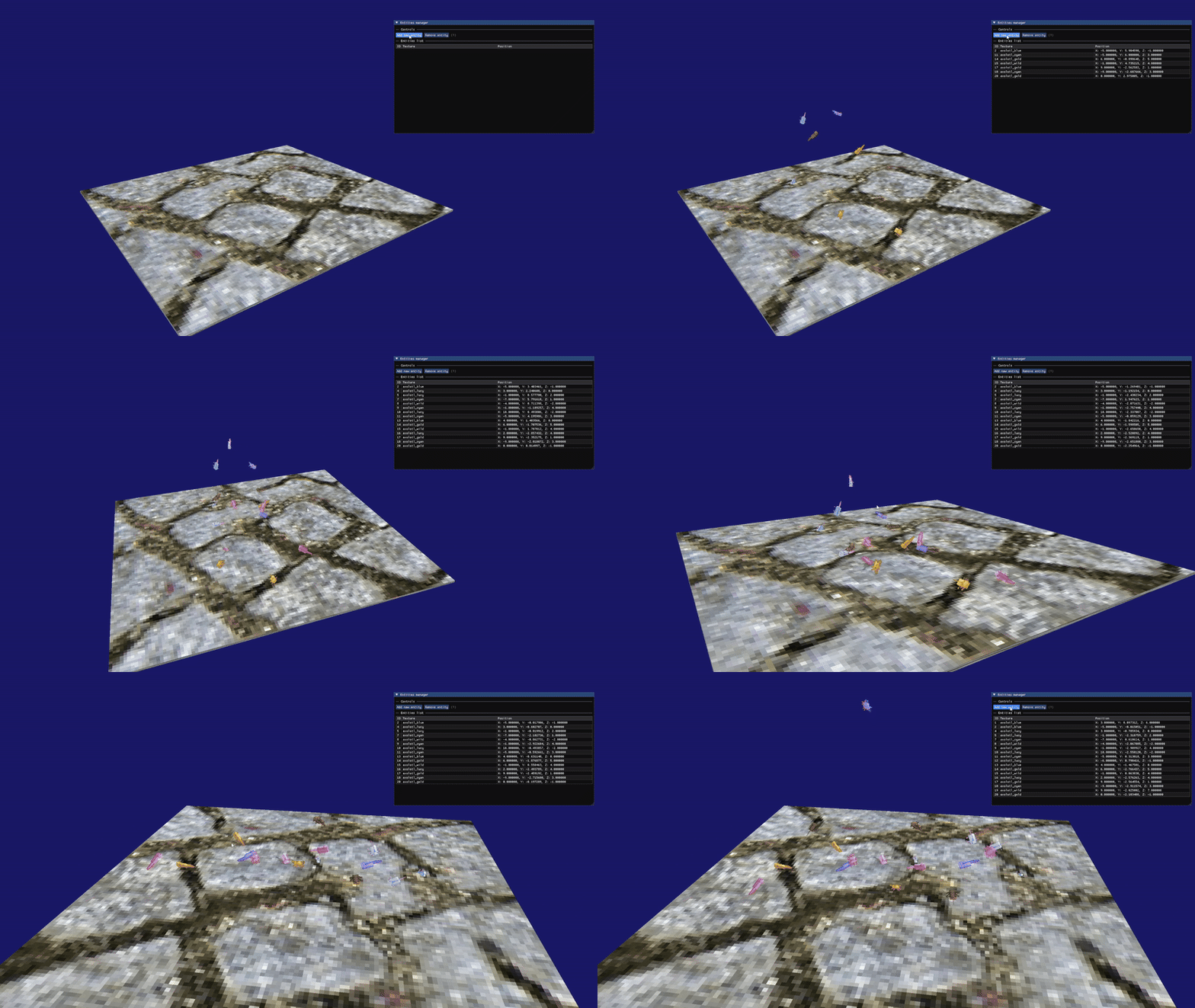
Is a 3D game engine developed in 1 year for Windows, written in C++ using the OOP paradigm and various supporting libraries. With this engine, it can create not only games but also interactive applications. At the moment there are no plans to add more major features, only bug fixes, due to the development of a new engine made in Vulkan (https://gomezjuanjose.github.io/projects/vulkangameengine/) .
Link: https://github.com/GomezJuanJose/ModelOne
Features
- Layered architecture
- ECS
- Renderer with OpenGL
- GLSL support
- OBJ loader
- Basic physics system
- Event system
- Logger and assertions
- Dear ImGui support
- Audio
- Profiler
Installation
Visual Studio 2019 or later is recommended, ModelOne is untested in other development environments and focuses on Windows builds.
1. Clone the repository
git clone --recursive https://github.com/GomezJuanJose/ModelOne.git
2. Generate files
Execute the script Windows-ProjectGeneration.bat located in the folder /Scripts. After the execution, open ModelOne.sln and press F5.
Getting started
Open the EmptyApp project from the solution and mark it as the started project. It contains the basics to create a window with all the systems initialized:
#include <ModelOne.h>
#include <ModelOne/Core/EntryPoint.h>

class ExampleLayer : public ModelOne::Layer {
public:
	ExampleLayer() : Layer("ExampleLayer") {
	}

	virtual void OnImGuiRender(){
	}
};

class Sandbox : public ModelOne::Application {
public:
	Sandbox() {
		PushLayer(new ExampleLayer());
	}
	~Sandbox() {}

};

ModelOne::Application* ModelOne::CreateApplication() {
	return new Sandbox();
}
The Sandbox example demonstrates how to use the available systems.
Create a new proyect
- Copy the
EmptyApp, paste it in/SandboxProjectsand rename it - Open
ProjectDefinition.lua, copy an existing project and paste it at the bottom of the file - Change these two attributes by the name of the project
project "<Name of the project>"
    location "SandboxProjects/<Name of the project>"
- Execute the
Windows-ProjectGeneration.batlocated in the folder/Scripts
Documentation
https://github.com/GomezJuanJose/ModelOne/wiki
Acknowledgements
- https://github.com/nothings/stb
- https://github.com/ocornut/imgui
- https://solhsa.com/soloud/
- https://glad.dav1d.de/
- https://www.glfw.org/
- https://github.com/g-truc/glm/tree/1.0.1
- Game Physics Engine Development by Ian Millington
- https://pikuma.com/
- https://www.youtube.com/@TheCherno